Forgot passwords are one of the human errors that frequently happen. In order to access the system, the user may reset the SimBiz account password as simple steps below :
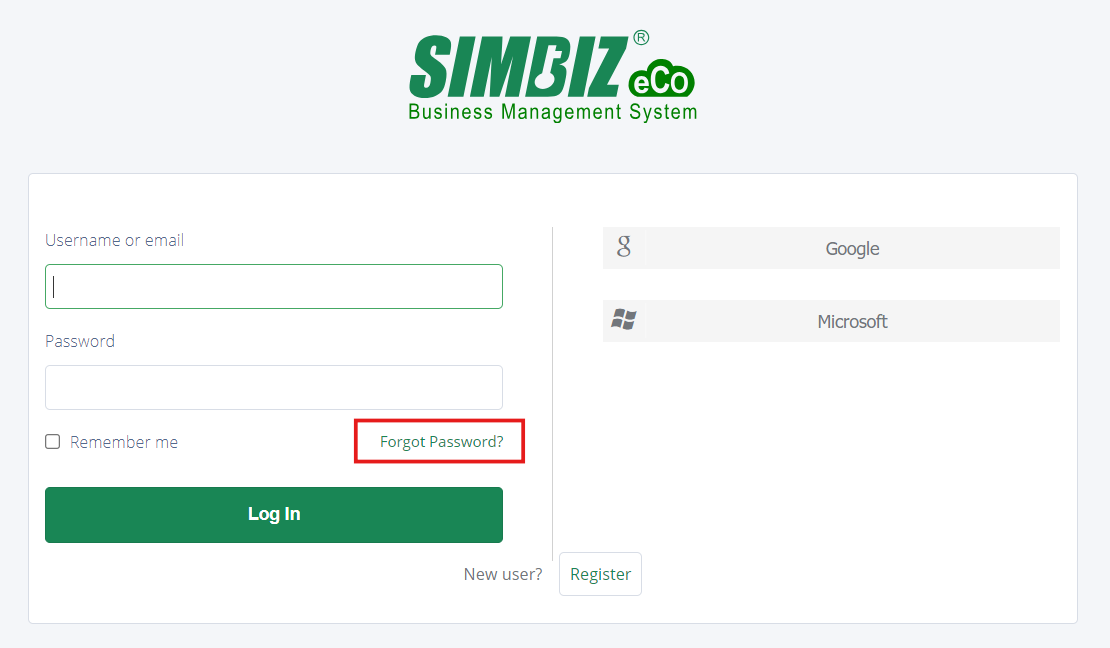
Step 1 : To reset a SimBiz account password, the user can go to the login page and click the "Forgot Password?" button to redirect to a reset password form.
Step 2 : Put the user email or username and click the "Submit" button.
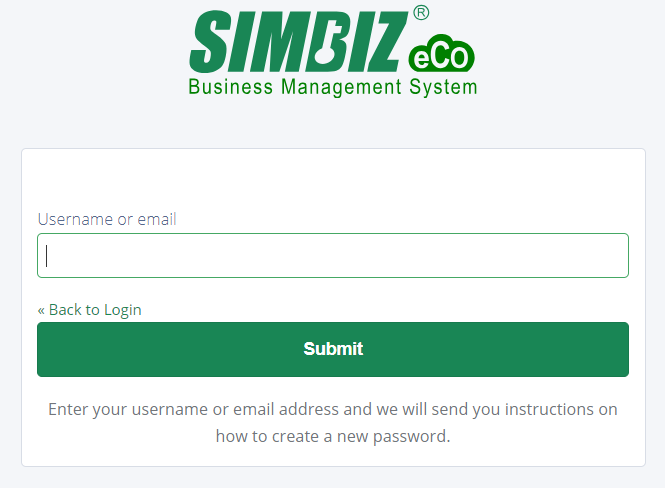
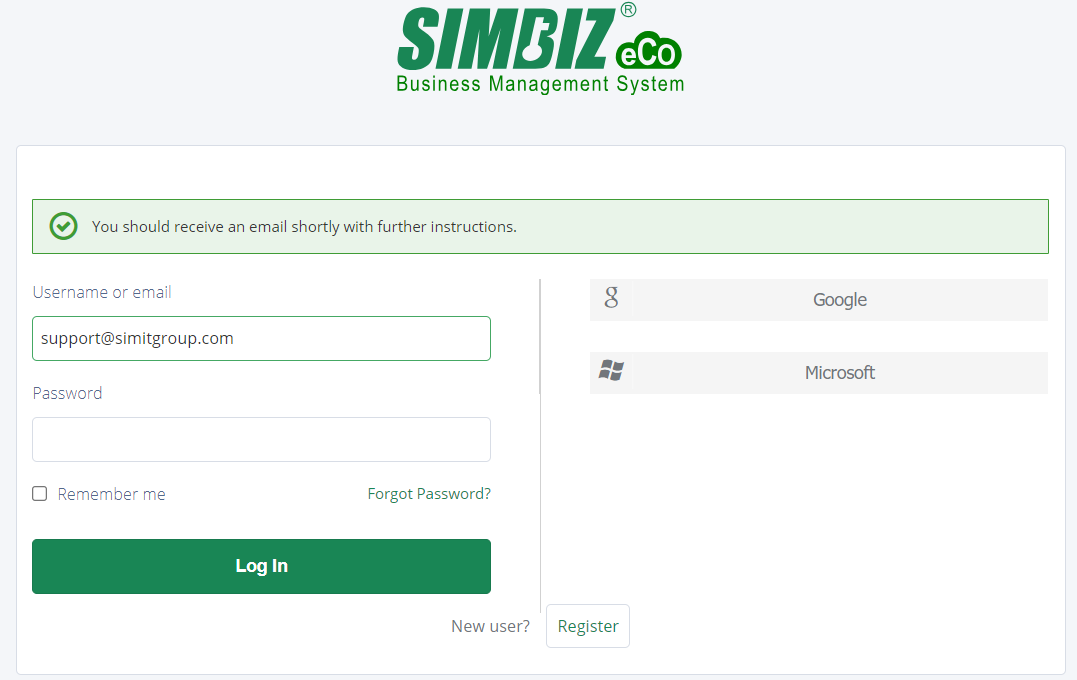
Note : Kindly make sure to insert the registered username or email address from the SimBiz system to avoid an unreceived reset email.Step 3 : After submitting the email or username, page will show an alert "You should receive an email shortly with further instructions.". User needs to open the email inbox to check the reset password email.
Step 4 : Open the email inbox and search for Reset Password email as attachment above. Click the "Link to reset credentials" link within 10 minutes.
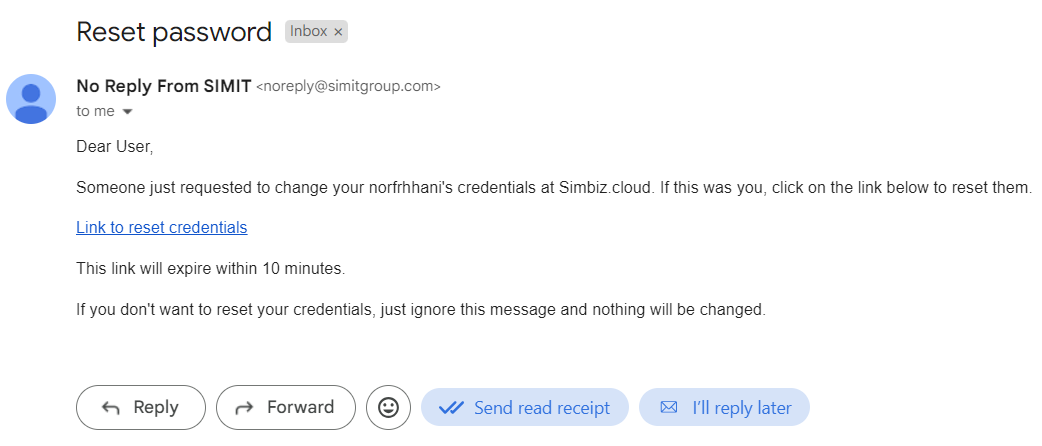
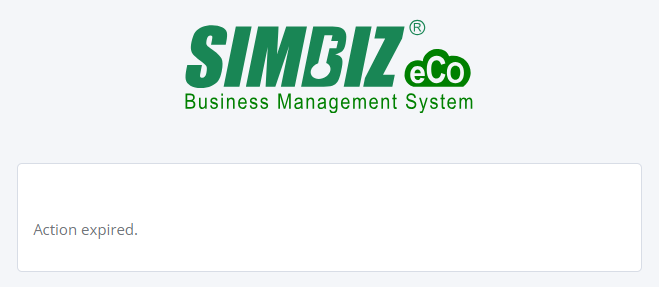
Note : If the user did not click the link within 10 minutes, the link will be expired and user required to repeat step 1 again.
Note : If the user did not receive any reset email, kindly check in the Spam section of the email.

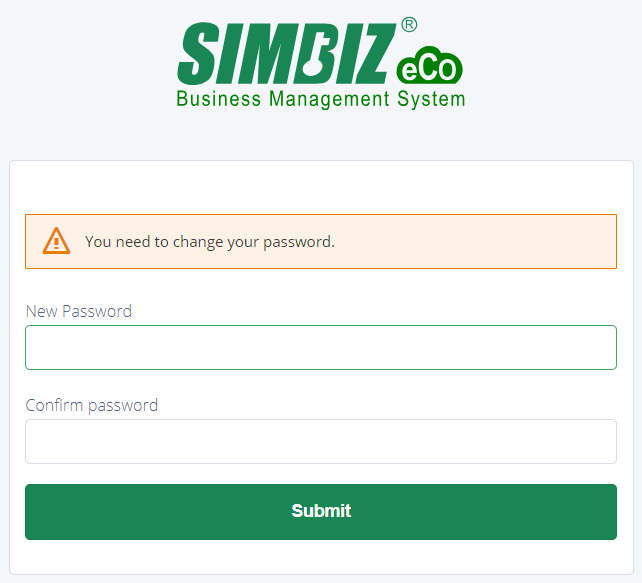
Step 5 : After the user clicks the link, it will redirect to reset password page. User is require to insert the new password and re-insert the new password for confirm the password.
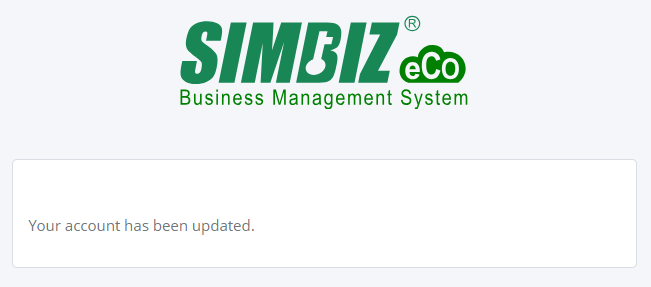
Step 6 : After inserting the new password and confirming the password, page will show "Your account has been updated.". User may try to login to the system again.
Was this article helpful?
That’s Great!
Thank you for your feedback
Sorry! We couldn't be helpful
Thank you for your feedback
Feedback sent
We appreciate your effort and will try to fix the article