If you are multiple branches oriented, you may add up your branch information. Just click the ‘Add Branch’ button to proceed.
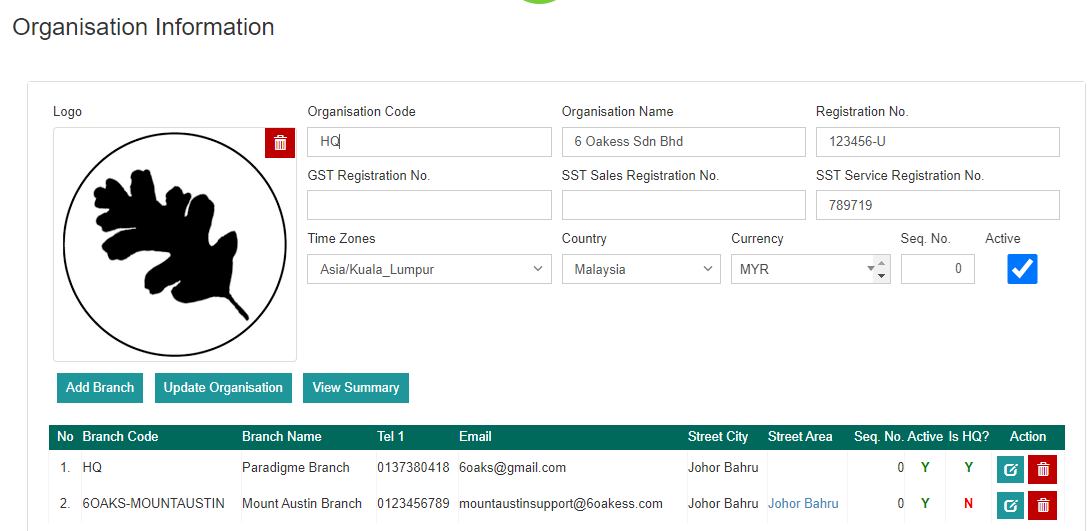
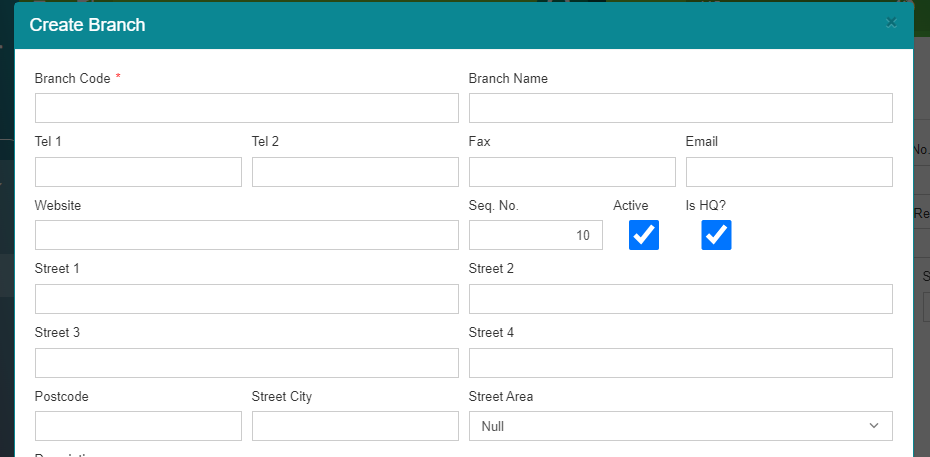
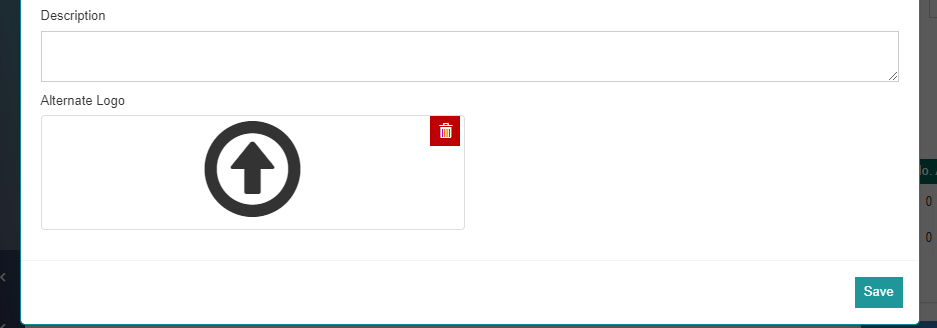
Now, fill in the information to create another branch. Then, click the ‘Save’ button and a pop-up message will appear to prompt whether to proceed or not. Click ‘OK’ if you wish to proceed.
Was this article helpful?
That’s Great!
Thank you for your feedback
Sorry! We couldn't be helpful
Thank you for your feedback
Feedback sent
We appreciate your effort and will try to fix the article